Open dot and draw
A simple browser paint app for the sketch you want to make right now.
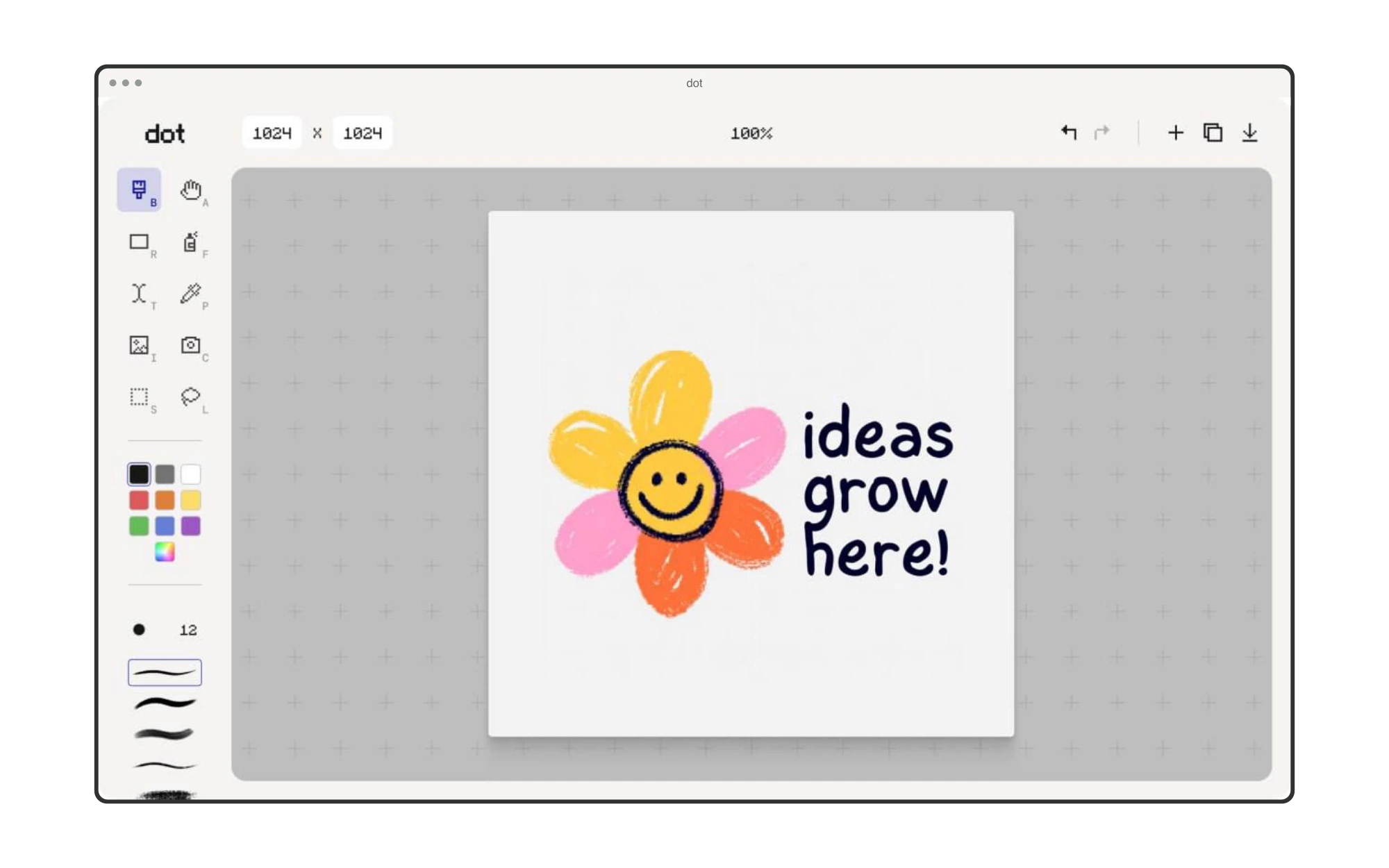
I made dot for little things I draw all the time. A quick diagram, an arrow on a screenshot, a shape I need to see before I can explain it. I wanted to open a tab and start with the first stroke.
You land on a white canvas with the brush already selected. A small palette sits next to the tools, and undo and PNG export are right there in the top bar. The rest of the kit is familiar too. There are shapes, text, fill, an eyedropper, and image import. You decide what the drawing looks like from the first mark.
Designing for the first stroke
JS Paint brings the classic MS Paint interface into the browser. Kleki gives you a lightweight painting workspace with layers. Photopea is what I’d open to work on a PSD. I built dot around the quick sketch I want to make between other tasks.
That’s where I spent the design time. The canvas takes most of the screen, the tools stay in one place, and keyboard shortcuts sit beside their icons. The interface can have a little personality and still leave most of the room to whatever you’re drawing.